Window managers have become a bit of a special interest of mine. After being a Rectangle user for most of my macOS life, I tried out Amethyst and Yabai and finally settled on Aerospace.
Aerospace is nice and stable and gets the job done of me never having to manually layout my windows again. I have a couple of layouts that I mainly use and its built-in Spaces are much faster (and therefore much more useful) than the ones macOS gives you.
Turns out that window management is an area under active development both in Linux and on Windows with lots of interesting and experimental window managers now available. Maybe the entire Wayland business is finally paying out a dividend.
The one that piqued my interest the most is Niri, a scrolling window manager where windows are laid out on an infinite horizontal strip. The window manager doesn’t change the sizes of the windows. What it manages is your position on the strip.
This looks really cool and an infinite view is an interesting UI paradigm that feels immediately natural.
Niri only runs on Wayland/Linux and Jwno is one for Windows. On macOS we never really had that much choice when it comes to ricing and customisation.
I tried PaperWM.spoon (derived from PaperWM) for a bit, which was promising but flaky. Then I thought I might write something myself, but the macOS accessibility APIs are an atrocious undocumented piece of sedimental software. I didn’t have the time or energy to power through that mess.
Thankfully other people did have the patience and we have several contenders now:
At the moment I’m still trying them out. Playing a bit with paneru I ran into this layout which is relatively common with sliding window managers:
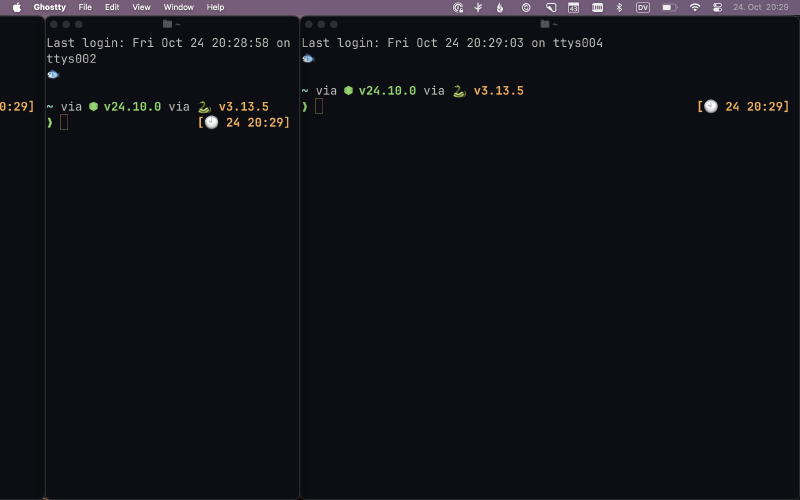
What’s the point of having a cut off window to your left? I don’t see it. The cut-off window may be large or small but it remains entirely a waste of space.
Another issue is that the active window sticks to the left or the right of the screen when swapping its position in the strip. This is a jarring jump back and forth.
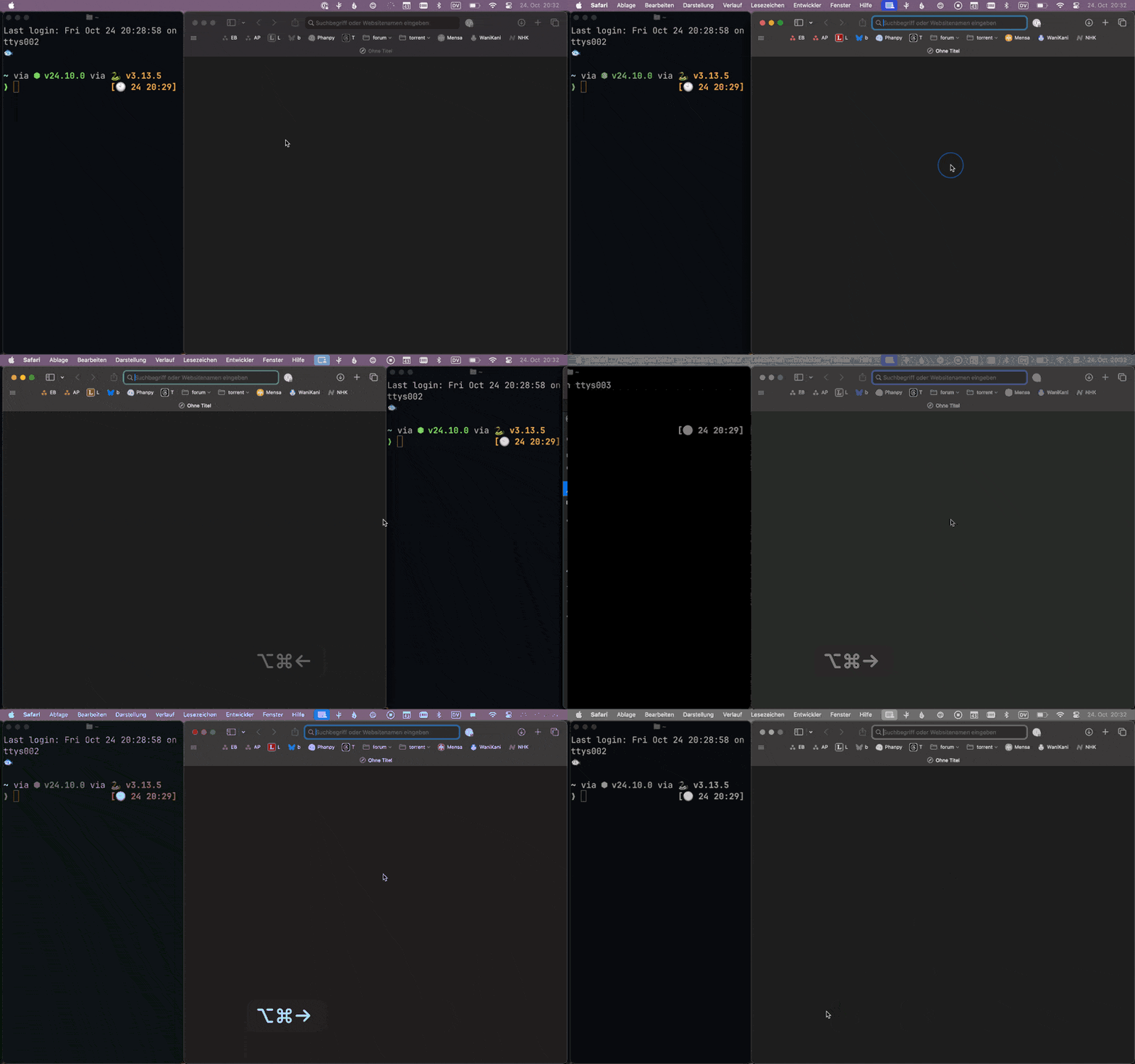
And finally the lack of animation negates everything that’s naturally about a scrolling window manager. I think that may become a deal breaker in general.
HyprSpace was easy to try out since it uses the Aerospace configuration and builds on top of that. The scrolling works and there are some interesting ideas in there but it’s buggy and unpolished.
Komorebi I sponsored now to get access to the current build. Getting it to work is fiddly because like more of these tools it depends on skhd to catch keyboard shortcuts which effectively is abandonware.
Dealing with keyboard shortcuts on macOS and debugging them is its on particular hell. This is made worse if you are a person who has to switch between keyboard layouts regularly.
Komorebi is promising but is also still pretty early stage.
Useful layouts#
Thinking about how I use Aerospace the only truly useful layouts that I use are the following.

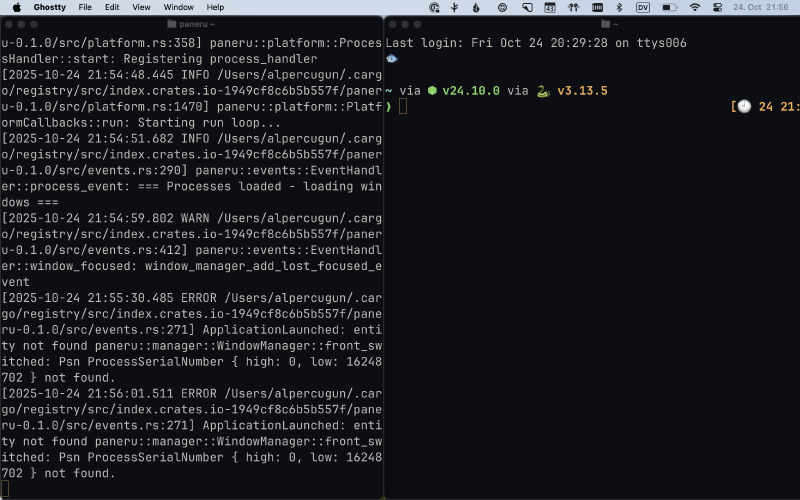

With the smaller windows either side could be a stack so that I can have multiple similarly sized windows behind each other that I can cycle through. I almost never use vertical tiling or any other type of division even on a larger display.
At that point what use would a scrolling window manager be where oftentimes the window to the left or right is cut off?
Update: After being clear to myself about the layouts I really need, I wrote a bit of shell that Aerospace calls and cycles through the 33/50/66% layouts: https://github.com/nikitabobko/AeroSpace/discussions/839#discussioncomment-14792483